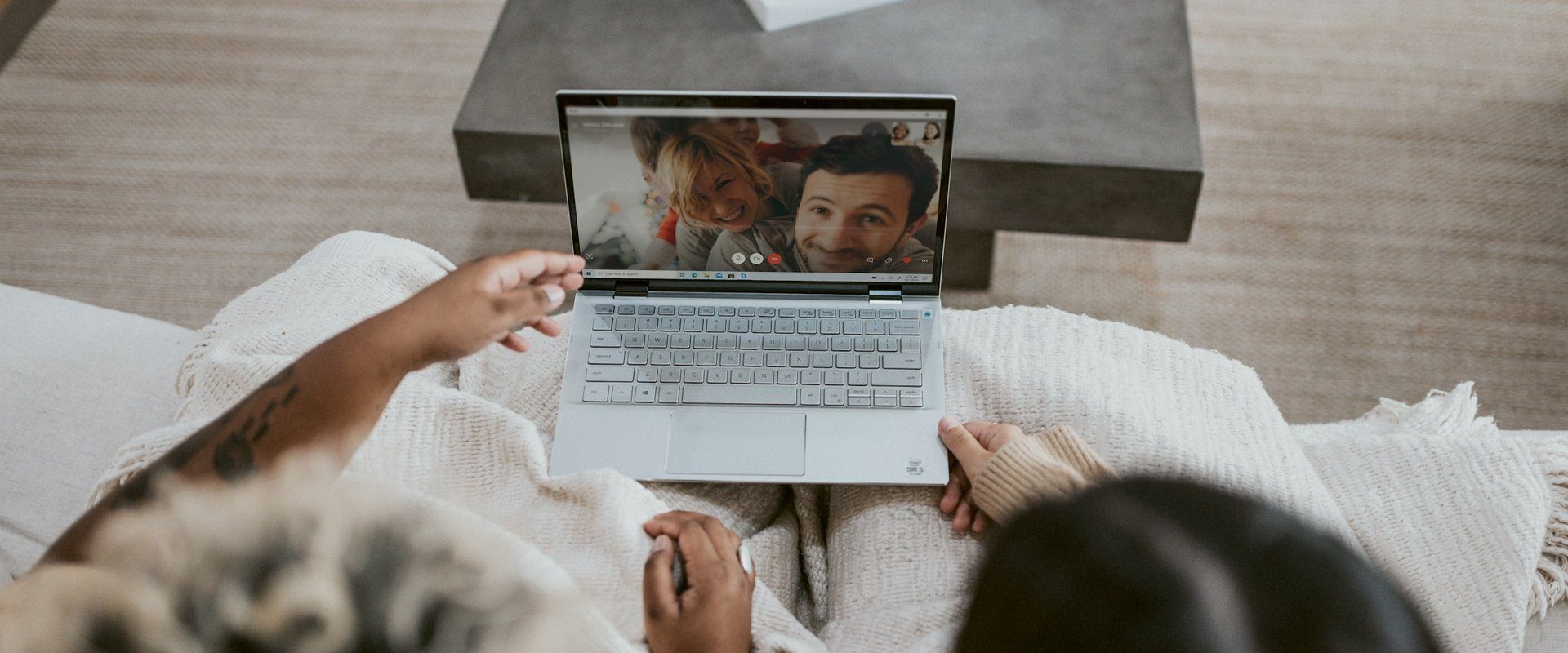
To watch Netflix together remotely, you need a browser extension that keeps everyone at the same point in the movie: when one person pauses, it pauses for everyone; when someone rewinds a minute, everyone else goes back too. That’s exactly what PopcornCrew’s extension does. It’s free, works with Netflix and Prime Video, and puts chat right alongside the video.
At a glance
- You’ll need a computer with Chrome or Edge: browser extensions can’t be installed on phones or TVs.
- Everyone watches with their own subscription and their own PopcornCrew account, which is free.
- The person who starts the room sends everyone a link. Play, pause, and seeking are synced for everyone, and if someone gets an ad, the room waits for them.
- Chat sits alongside the video, and you can also open it on your phone by scanning a QR code.
- Anything you finish on Netflix or Prime Video is automatically marked as watched.
What you need to watch together
- A computer with Chrome or Microsoft Edge for each person. Add the extension from our extension page.
- A PopcornCrew account for each person, which is free. It lets us know who’s in the room and who sent each chat message.
- A subscription to the streaming service for each person. The extension doesn’t share your screen or stream the video: everyone watches from their own account, while the room keeps everyone’s playback in sync. Netflix’s ad-supported plan works too.
Prime Video works on primevideo.com.
How to start a room, step by step
- Add the extension to Chrome or Edge from the extension page.
- Click its icon in your browser and choose Connect your account. A PopcornCrew page will open. Click Connect extension, then close that tab.
- Start a movie or episode on Netflix or Prime Video.
- Click the icon again. Choose who controls playback—Everyone can pause and seek or Only I control playback—then click Start a room.
- Click Copy invite link and send it to whoever you like, on WhatsApp or anywhere else.
The room panel appears alongside the video, showing who’s there and the chat. The person who started the room can change who controls playback at any time from the same panel.

How to join when someone sends you a link
The link takes you to a PopcornCrew page that tells you who invited you and what you’re about to watch. From there:
- if you don’t have an account, click Sign up (or I already have an account) and the page will take you back to the invite;
- if you don’t have the extension, the page will prompt you to install it. Then click I’ve installed it;
- click Join room: Netflix or Prime Video will open in a new tab, with you already in the room.
On Prime Video, you’ll land on the title’s page. Start the movie or episode, and we’ll sync you up.
What happens while you watch
- Pause, play, and seeking are synced for everyone (or only the person who started the room, if that’s what they chose). The chat shows who did what.
- Anyone who falls a few seconds behind is automatically brought back in sync, so there’s no need for anyone to count down.
- If someone gets an ad, the room pauses for everyone, with the name of the person watching the ad displayed. Playback resumes when it’s over.
- You move on to the next episode together. On Netflix, everyone else follows automatically. On Prime Video, each person needs to start the new episode themselves; the panel will let them know.
- Chat messages aren’t saved anywhere: anyone who joins later can only see messages sent after they joined.
- If you want the video full-screen, the panel tucks away into a tab along the edge. A room stays open for one evening—12 hours—and then you’ll need to start a new one to watch again.
Chat on your phone, too
The room panel has a Chat on your phone option. A QR code appears; scan it to open the chat on your phone using the same account. It’s handy for chatting from the couch without covering the movie, or when two of you are watching on the same screen and want to message friends elsewhere separately. You can read and send messages on your phone, but playback is controlled from the computer.

Anything you finish is marked automatically
When your account is connected, the extension marks movies and episodes you finish on PopcornCrew, even when you’re watching alone. On Netflix, it does this when Netflix considers an episode finished—just before the credits roll—and when the credits start for a movie. On Prime Video, it marks a title at 90% watched. A notice appears on the page with an Undo option in case you didn’t mean to mark it. Titles already marked as watched aren’t changed, and anything we can’t identify with confidence won’t be marked. Better to miss one than mark the wrong movie.
You can turn this off at any time from the extension panel.

Coming from JustWatch?
JustWatch doesn’t let you download your data. With the extension, you can: while signed in to your account on justwatch.com, click the icon and choose Download my data. The file includes your watched titles and their dates, watched episodes, Watchlist, likes, and lists. Upload it to PopcornCrew from Import and export.
What it can and can’t access
The extension never sees your passwords—not your Netflix password or your PopcornCrew password. It connects to your account using its own key, which you can disconnect at any time. On Netflix and Prime Video, it only reads what you’re watching and where you are in the video. Find out more in our privacy policy.
Looking for something to watch? Check out our movies to watch as a couple and movies to watch on Netflix, with picks for every genre.
Frequently asked questions
Does Netflix Party still exist?
Netflix Party changed its name to Teleparty. PopcornCrew’s extension does the same thing on Netflix and Prime Video, for free, and adds phone chat and automatic watch tracking.
Can you watch together on a phone or TV?
No. Extensions can only be installed in a computer browser, such as Chrome or Edge. You can use your phone to chat in the room by scanning the QR code in the panel.
Does everyone need Netflix?
Yes. Everyone watches from their own account, and the extension keeps everyone’s playback in sync. It doesn’t stream video from one computer to another.
Does it work with the ad-supported plan?
Yes. When someone gets an ad, the room pauses for everyone and resumes when the ad ends.
Does it work with Disney+ or other services?
For now, it only works with Netflix and Prime Video.
How much does it cost?
Nothing: the extension and PopcornCrew account are free. Everyone just needs their own subscription to the streaming service.