
If you’re tired of spending half an hour scrolling through catalogs to decide what to watch tonight, meet Pop, now available in PopcornCrew. Open it, tell it what you’re in the mood for, and it’ll suggest movies and shows picked just for you from the services you subscribe to. No need to explain your taste: Pop already knows it from what you’ve saved in the app.
At a glance
- Pop is PopcornCrew’s assistant: a chat where you can ask what to watch and get recommendations tailored to you.
- It already knows what you’ve seen: Pop checks your Watched list, Watchlist, ratings, reviews, and lists, and won’t recommend anything you already know.
- It checks your streaming services: Pop tells you where each title is available in your country, and can search only the platforms you subscribe to.
- There’s a new movie game every day, the same for everyone, with a streak and a leaderboard for you and your friends. Plus, an endless trivia game.
- It’s free with a PopcornCrew account, on iPhone, Android, and in your browser.
What is Pop, and what does it know about you?
Pop is an assistant you can chat with like a friend who knows a lot about movies. What sets it apart from a generic AI is that it knows your viewing history: which movies and shows you’ve watched and how you rated them, what’s on your Watchlist, which lists you’ve made, what you’ve written in your reviews, and which services you subscribe to. So when you ask for a recommendation, Pop has all that to go on.
Pop doesn’t make up its recommendations: they come from PopcornCrew’s recommendation engine, the same one used for swiping. It automatically rules out anything you’ve already watched, saved, or passed on, then picks the titles that fit your request and explains why you might like them.
What can you ask it?
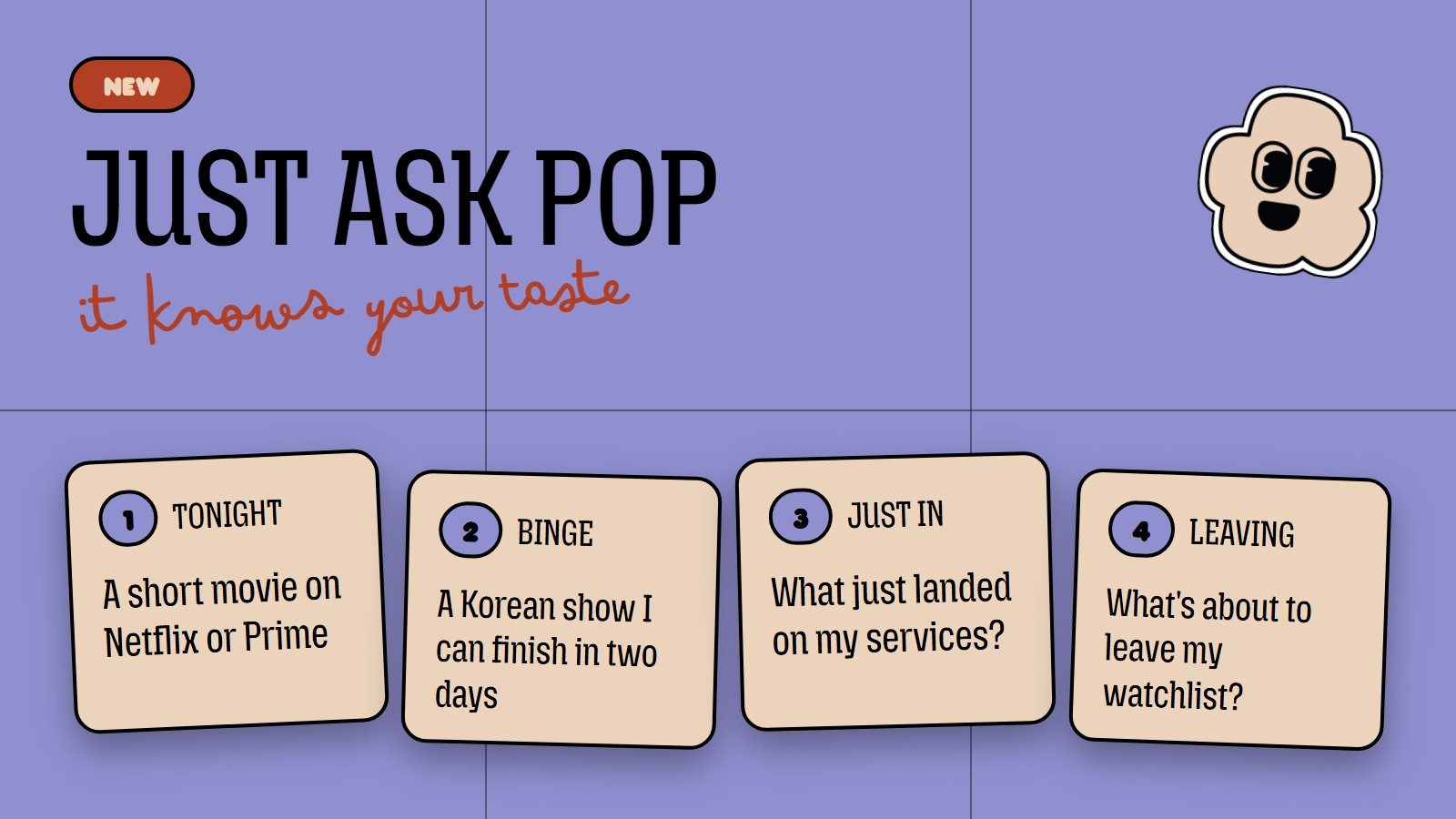
Just write to Pop the way you’d text a person. For example:
- “A short movie for tonight, on Netflix or Prime Video”: Pop looks for movies under a certain runtime, available on those services only.
- “A Korean series I can finish in a weekend”: It takes the original language and number of seasons into account.
- “A Christmas movie I haven’t seen”: Pop searches by theme, not just genre.
- “What’s new on my services this week?”: Get the latest releases from the past seven days on your platforms, with titles on your Watchlist shown first.
- “What’s about to leave my Watchlist?”: See which titles are leaving your services soon, along with the last day you can watch them.
- “Where can I watch Dune?”: Find out which services have it in your country right now, and whether it’s on one of yours.
- “How do I import movies from Letterboxd?”: Pop knows the app, too, and can tell you where to find what you’re looking for.
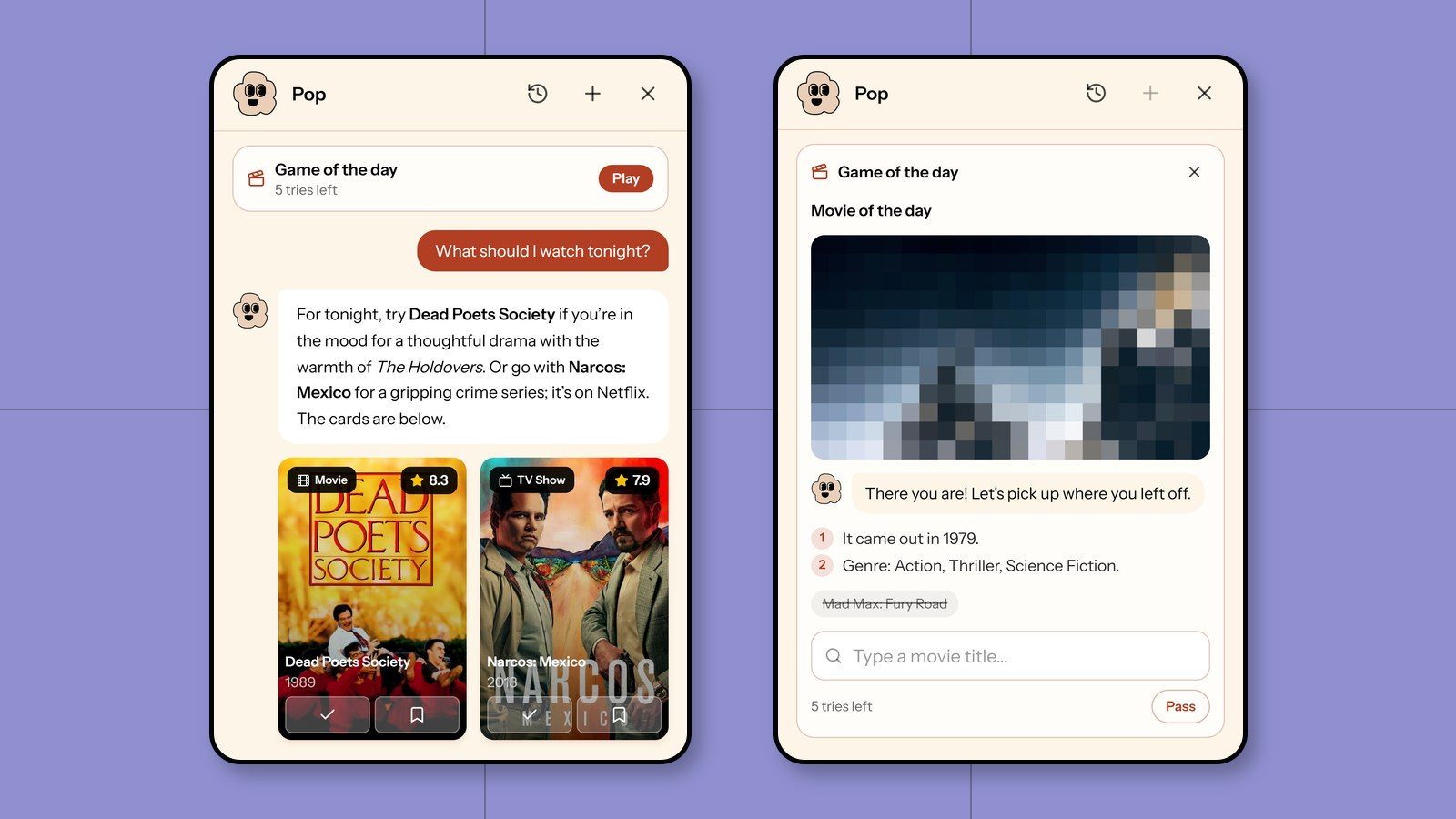
Every recommendation appears below Pop’s reply as a card, with buttons to mark it as watched or add it to your Watchlist. Pop won’t change your lists on its own—you’re the one who presses the buttons.
What can we watch together?
Choosing something on your own is hard; choosing together can be even harder. On a friend’s profile (someone you follow who follows you back), tap “What can we watch together?” to open Pop. It checks both your lists and suggests titles that are on both your Watchlists, titles one of you wants to watch that the other hasn’t seen yet, and movies your friend loved that you haven’t watched. It also tells you where to stream them.
Looking for a movie for date night? Check out our 19 movie ideas for couples.
The daily game
There’s a movie game inside Pop every day. It’s the same for everyone, like Wordle, and there are two games that alternate each day:
- Movie of the day: Guess the movie from a pixelated scene that gets clearer with every wrong guess. You get six tries, and “Skip” uses one of them.
- Release order: Put five movies in order from oldest to newest. You get four tries, and after each one, movies in the right spot turn green.
Play every day to keep your streak going. For every seven days in a row, you earn a shield that saves your streak if you miss a day. There’s also a weekly leaderboard for friends or everyone, which resets every Monday.
Trivia
If you’re in the mood for another game, tap “Let’s play trivia” in a new chat, or just ask Pop. You’ll get a question with four possible answers: who directed a movie, what year it came out, who played a character, or which movie a scene is from. Tap your answer and the next question appears automatically. There are no points and it never ends—the only thing that counts is how many you get right in a row.
Where to find Pop
On your phone, Pop is in the middle of the bottom navigation bar. On desktop, it’s at the top, next to your notifications. Movie and TV show pages also have an “Ask Pop” button that opens a chat about the title you’re looking at.
You’ll need a free PopcornCrew account to use it. If you don’t have one yet, you can sign up here. After a quick quiz about your taste, you can mark movies you’ve already seen or import them from Letterboxd, IMDb, and other apps, so Pop already knows what you like.
Frequently asked questions
Is Pop free?
Yes. All you need is a PopcornCrew account. There’s a daily message limit, but the daily game and trivia don’t count toward it.
Does Pop use AI?
Yes: its replies are written by an OpenAI model. The recommendations and streaming availability, on the other hand, come from PopcornCrew data, which is updated every night. Find out what’s shared with OpenAI in the privacy policy. Conversations are deleted 30 days after your last message.
Can Pop get things wrong?
Yes, like any assistant. That’s why every recommendation comes with a card showing the plot, cast, and where to watch it, so you can check before deciding.
Can Pop edit my lists?
No. Pop reads your lists to make better recommendations, but it won’t add or remove anything. Each recommendation has buttons underneath, and you decide whether to use them.
Which services does Pop search?
Services available in your country. If you ask Pop to stick to your platforms, it’ll use the services you’ve selected under “Services” in your settings.